CapCut Advanced Features Nobody Told You About
In the rapidly evolving landscape of mobile video editing, few applications have made as significant an impact as CapCut. Originally popularized by its seamless integration with TikTok, the platform has matured into a powerhouse tool capable of producing cinematic content that rivals desktop software. While many users are familiar with the basic trimming and filtering options, there lies a treasure trove of functionalities beneath the surface. This article dives deep into the CapCut Advanced Features Nobody Told You About, offering a comprehensive guide for creators looking to elevate their storytelling.
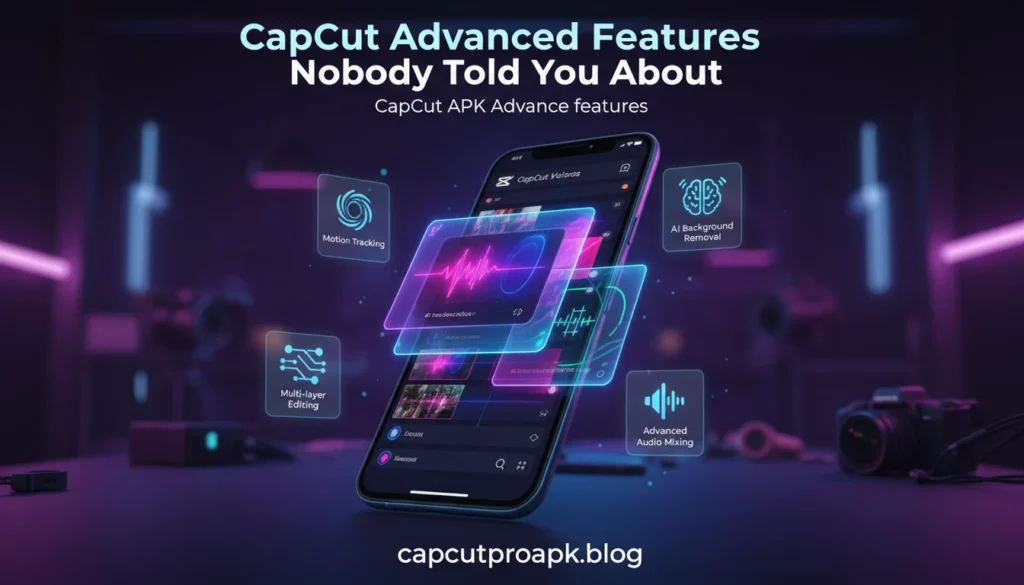
To truly master video editing on a mobile device, one must move beyond simple cuts. The application offers sophisticated compositing tools, audio engineering capabilities, and AI-driven effects that streamline complex workflows. Whether you are a social media influencer, a small business owner, or a videography enthusiast, understanding these hidden mechanics is essential for staying competitive in the digital attention economy.
CapCut Velocity Edits with Smooth Slow Motion
Velocity editing, often referred to as speed ramping, is the technique of changing the speed of a video clip smoothly over time. It is a hallmark of high-quality edits, particularly in action sports, dance videos, and travel vlogs. While basic editors offer linear speed adjustments (e.g., 2x or 0.5x constant speed), CapCut provides a professional-grade “Curve” tool that allows for non-linear speed manipulation.
The Power of the Graph Editor
To access this feature, users must select a clip and navigate to the “Speed” tab, then choose “Curve.” Here, you are presented with presets like “Montage” or “Bullet,” but the “Custom” option is where the real magic happens. By adding beats (control points) to the graph, you can drag the curve up to accelerate the footage and down to decelerate it. This creates a fluid transition between fast and slow motion that looks organic rather than jarring.
Optical Flow for Butter-Smooth Slow Motion
One of the most common issues with slowing down footage is the “stutter” effect that occurs when the original video was shot at a standard frame rate (like 30fps) but is slowed down significantly. CapCut solves this with a hidden gem called “Smooth Slow-Mo.” When applying slow motion, selecting the “Better Quality” (Optical Flow) option prompts the AI to generate intermediate frames, filling in the gaps between existing frames. This results in phantom-like, liquid smooth motion even if the source footage wasn’t shot at 60fps or 120fps. Mastering this specific feature distinguishes amateur edits from professional-grade content.
Features include:
Beyond speed manipulation, the application boasts a suite of tools designed for intricate visual engineering. These features allow for high-level compositing and animation that were previously exclusive to software like Adobe After Effects.
Keyframe Animation
Keyframes are the backbone of motion graphics. In CapCut, the diamond-shaped icon under the video preview allows you to set start and end points for various parameters such as position, scale, opacity, and rotation. By placing a keyframe at the beginning of a clip and another at the end with a different value, the software automatically interpolates the movement. This can be used to create custom zoom-ins, sliding text reveals, or dynamic camera movements on static images.
Masking and Blending Modes
The masking tool allows users to hide or reveal specific parts of a video layer. When combined with “Overlay” and “Blend Modes” (such as Screen, Multiply, or Overlay), creators can achieve double exposure effects, text appearing behind objects, or complex sky replacements. For instance, using a “Split” mask can help clone a subject, allowing the same person to appear twice in the same frame interacting with themselves. Utilizing the CapCut Pro APK unlocks even more precise control over these elements, ensuring that edges are soft and transitions are imperceptible.
3D Zoom and Parallax Effects
For photo-based content, the “Style” menu offers a “3D Zoom” effect. This utilizes AI to separate the foreground subject from the background and pulls them apart in 3D space, creating a parallax effect known as the “Ken Burns effect” on steroids. It adds instant dynamism to static memories.
Background Remover & Auto Cutout
One of the most technologically impressive features is the AI-driven background removal tool. Historically, removing a background required a green screen (chroma key) or hours of frame-by-frame rotoscoping. CapCut has democratized this process with its “Auto Cutout” feature.
Chroma Key vs. Auto Cutout
While the application still supports traditional Chroma Key for removing specific colors (like green or blue screens), the Auto Cutout feature works on virtually any footage where a human subject is identified. The AI analyzes the scene, identifies the silhouette of the person, and instantly removes the environment behind them. This allows creators to place themselves in virtual studios, exotic locations, or abstract motion graphics backgrounds without any specialized lighting equipment.
Stroke and Outline Effects
Once a background is removed, the “Cutout Stroke” option becomes available. This is widely used in YouTube thumbnails and TikTok edits to add a glowing outline or a solid white border around the subject. It helps separate the subject from the new background and adds a stylistic “sticker” look that is very popular in modern content creation. Users exploring the CapCut MOD APK often look for enhanced stability in these AI features, as processing heavy cutout effects requires significant computational power.
Benefits of Using CapCut Pro
While the free version of the application is robust, the Pro iteration brings a level of polish that is necessary for commercial work. The subscription model or premium access provides tools that streamline the workflow and enhance visual fidelity.
Expanded Asset Library
The Pro version grants access to a massive library of premium transitions, effects, and animations that are locked in the standard version. These include cinematic flares, sophisticated text animations, and high-quality sound effects that can drastically improve production value. Using the standard version often limits you to basic dissolves and wipes, whereas the Cap Cut Pro APK ecosystem provides transitions that match the beat of the music automatically.
Cloud Storage and Cross-Platform Sync
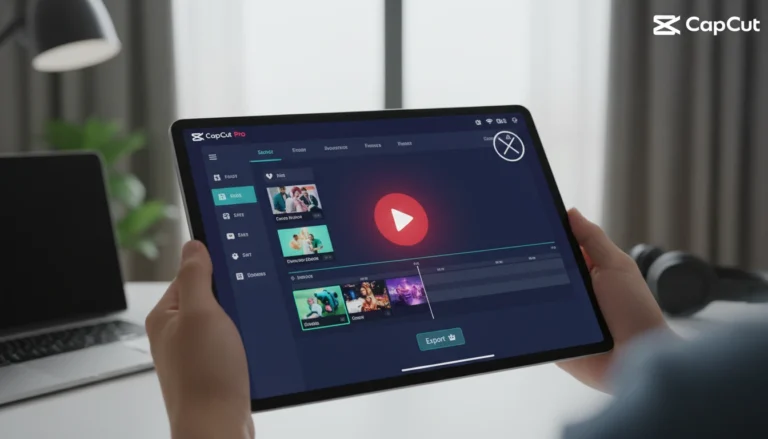
Professional editing often requires switching between devices. The Pro features include cloud storage which allows for seamless project synchronization. You can start an edit on your smartphone while on location and finish the fine-tuning on a desktop or tablet later. This flexibility is vital for teams or creators who manage heavy publishing schedules.
Enhanced Video Quality Export
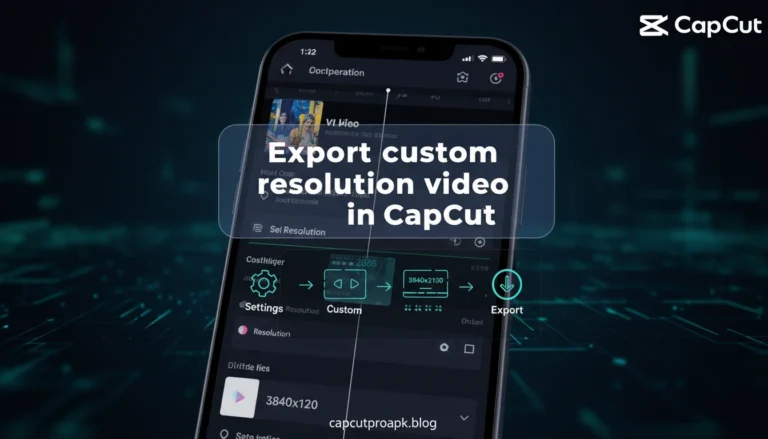
Another major benefit is the ability to export in higher definitions and frame rates without compression artifacts. The Pro engine optimizes rendering for platforms like 4K YouTube uploads or high-bitrate Instagram Reels, ensuring that the crispness of the original footage is maintained.
Why Creators Love CapCut Pro
The affinity creators have for this software stems from its unique balance of accessibility and depth. Unlike desktop NLEs (Non-Linear Editors) which have steep learning curves, CapCut is intuitive. However, it does not sacrifice power for simplicity.
Community and Template Culture
One of the driving forces behind its popularity is the “Template” system. Creators love the ability to use pre-made edit structures created by other professionals. This allows for rapid content creation that rides the wave of current trends. By simply replacing the placeholder clips with their own footage, users can generate viral-ready content in seconds.
Audio Synchronization
Sound is half the video. CapCut’s “Match Cut” feature automatically detects the beats in a music track and marks them with yellow dots on the timeline. This visual guide makes cutting to the beat effortless, ensuring that every transition hits hard and maximizes viewer retention. This feature alone saves hours of manual scrubbing through audio waveforms.
CapCut Pro in Action: Case Study
To illustrate the capabilities of the software, let’s examine a hypothetical workflow of a travel vlogger creating a highlight reel for Instagram.
The Workflow
The creator imports 4K footage shot on a drone and a smartphone. The first step involves using the “Stabilize” feature to smooth out handheld jitters. Next, they utilize the “Auto-Captions” feature, which listens to the voiceover and generates accurate subtitles instantly—a crucial element for social media where many users watch without sound.
They then apply “HSL” (Hue, Saturation, Lightness) adjustments to grade the colors. They boost the saturation of the sky’s blue and the grass’s green while maintaining natural skin tones. This level of color grading is typically found in software like DaVinci Resolve but is accessible here via touch controls. Finally, they use CapCut Pro APK features to apply a “Motion Blur” effect to the entire video, giving the movement a cinematic shutter speed look that makes 30fps footage look like it was shot with a professional cinema camera. The result is a highly polished, engaging video produced entirely on a phone in under 30 minutes.
CapCut Pro vs. Other Editors
When stacked against competitors like InShot, VN Video Editor, and Adobe Premiere Rush, CapCut holds a distinct advantage in specific areas, though the competition is fierce.
Integration and Trends
CapCut’s direct pipeline to TikTok gives it an edge in music licensing and trend discovery. While Premiere Rush offers better integration with the Adobe Creative Cloud, it lacks the specific, trendy effects (like the 3D Zoom or Glitch effects) that are native to CapCut. VN Video Editor is a strong competitor for manual control, but CapCut’s AI features (Auto Cutout, Auto Caption) are generally faster and more accurate.
User Interface
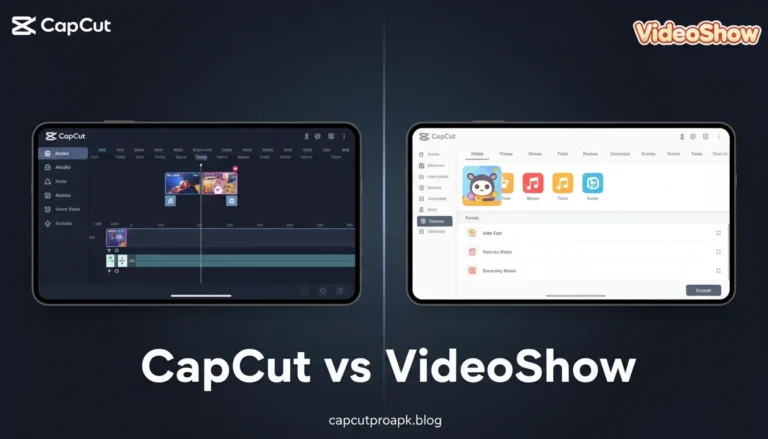
InShot is fantastic for quick collages, but its multi-track timeline is less robust than CapCut’s. CapCut allows for multiple video and audio layers (Picture-in-Picture) to be stacked with ease. For users looking for a modified experience, finding a reliable CapCut MOD APK might seem appealing to bypass restrictions compared to the subscription models of Adobe, but the native stability of the official app generally provides a smoother editing experience without the risk of crashes during rendering.
Final Thoughts
CapCut has transcended its reputation as just a “TikTok editor” to become a comprehensive mobile production suite. Its advanced features—ranging from optical flow slow motion to AI-driven background removal—empower creators to produce content that defies the limitations of mobile hardware. By mastering graphs, keyframes, and masking, you can unlock creative potential that was previously gated behind expensive desktop workstations. As the app continues to update, staying proficient with these advanced tools will ensure your content remains fresh, engaging, and professional.
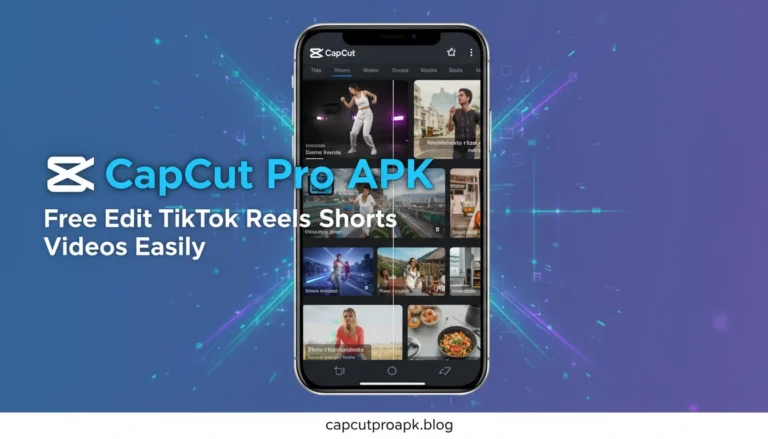
CapCut APK Free Edit TikTok Reels Shorts Videos Easily
For the vast majority of users, the primary goal is creating short-form content for platforms like TikTok, YouTube Shorts, and Instagram Reels. CapCut is optimized specifically for this vertical format (9:16 aspect ratio).
Smart Ratio Conversion
One of the underrated features is the ability to take horizontal (16:9) footage and intelligently reframe it for vertical viewing. The “Auto Reframe” tool tracks the subject and keeps them in the center of the vertical frame, saving editors from manually keyframing the position for every second of the clip. This is indispensable for repurposing long-form content for short-form platforms.
Viral Potential
Using the trending effects and audio libraries within the app increases the likelihood of content being pushed by algorithms. The app is tuned to the metadata and stylistic preferences of modern social media algorithms. For more insights, tutorials, and resources on maximizing your editing workflow, visit capcutproapk.blog. This resource serves as a hub for understanding the nuances of the software.
CapCut Mod APK 2026 Unlock All Premium Tools
Looking toward the future, the demand for unlocked capabilities continues to grow. The concept of a “2026” version represents the user base’s desire for future-proof tools that break all boundaries of mobile editing. While users often search for the Cap Cut Pro APK to bypass current limitations, the trajectory of the software suggests that AI will become even more ingrained.
The Future of Mobile Editing
We can anticipate features like text-to-video generation, advanced voice cloning, and real-time collaborative editing to become standard. The “Unlock All Premium Tools” mentality speaks to the creator’s need for uninhibited expression—access to every filter, every transition, and every AI capability without friction. As mobile processors become more powerful, the gap between mobile apps and desktop software will close almost entirely, making the tools available in the premium versions of CapCut not just luxuries, but necessities for professional digital storytelling.